

BROWSE Our Collection
01
Use the links below, or those in the navigation bar, to discover your new favorite piece!


ADD TO WISHLIST
02
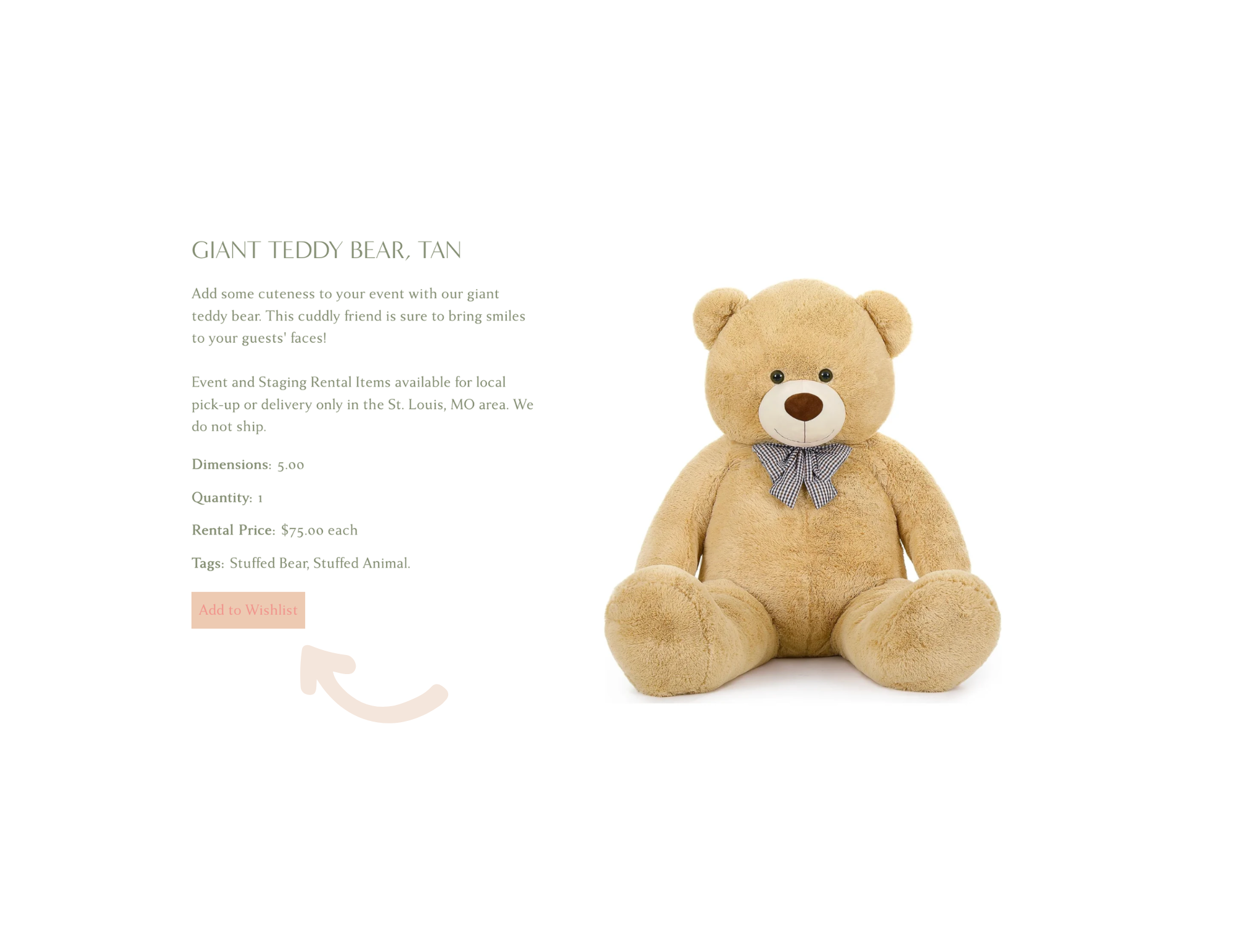
When you find an item you like, heart it while on the collection page or click “Add to Wishlist” while viewing the product.
If you see something you like, HEART IT! You can always remove it from your wishlist later.

03
CART + CHECKOUT
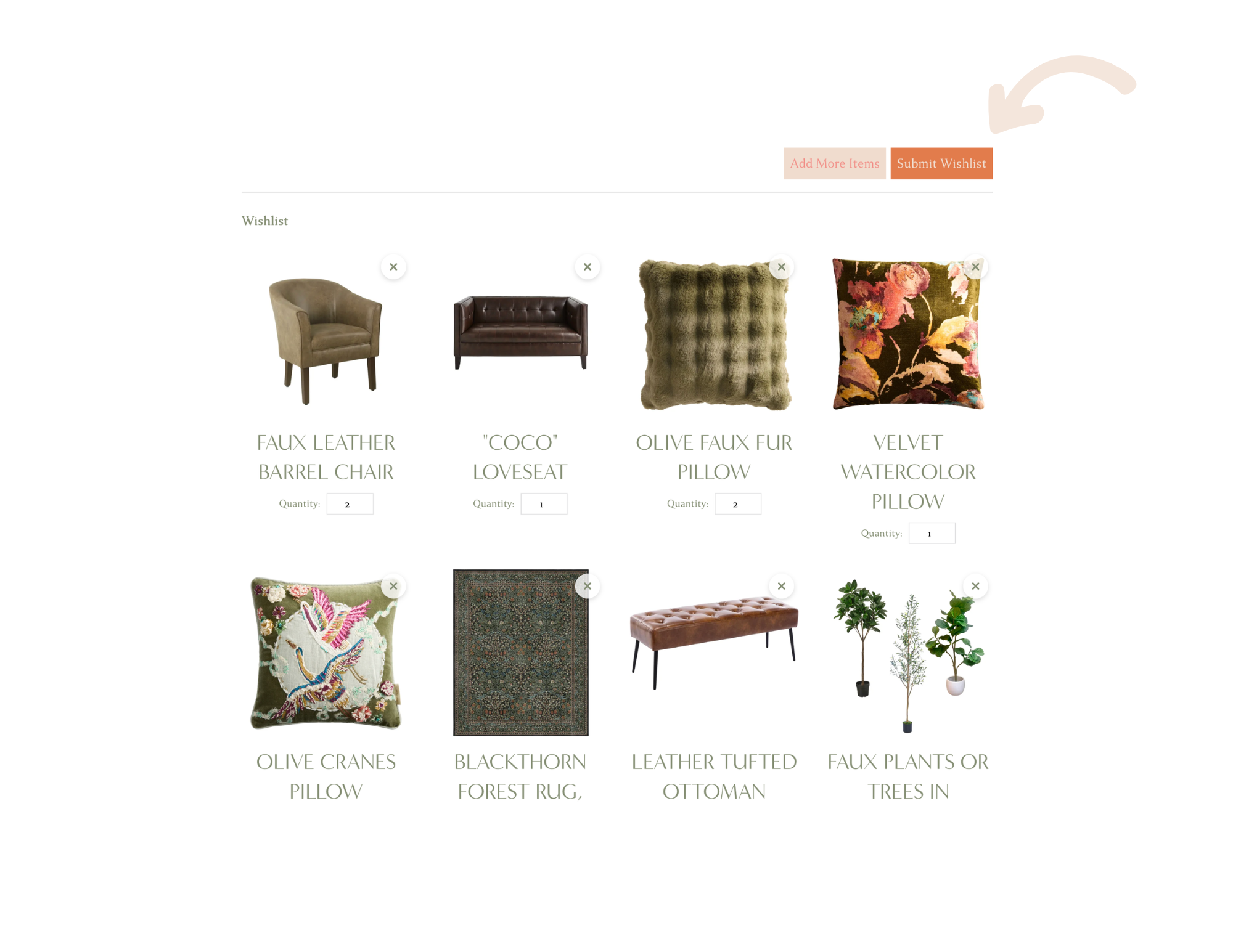
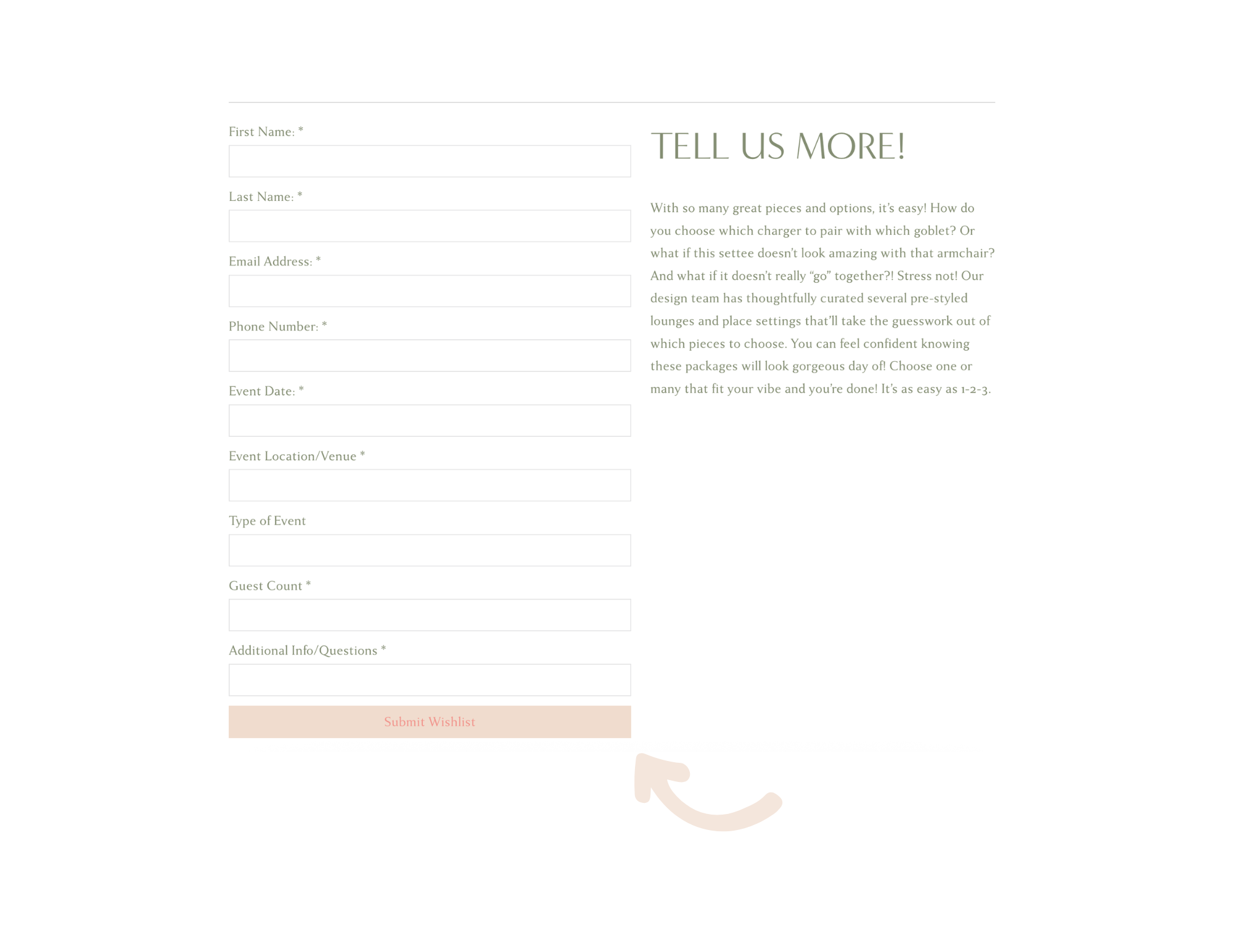
When you’re ready to check out, click View Wishlist from any collection page. Here, you’ll be able to remove or add items to your wishlist and input the necessary quantity for each item. Select Submit Wishlist and enter your personal and event details to officially submit your rental order!
We will contact you as soon as we have reviewed your wishlist. We can’t wait to bring your vision to life!